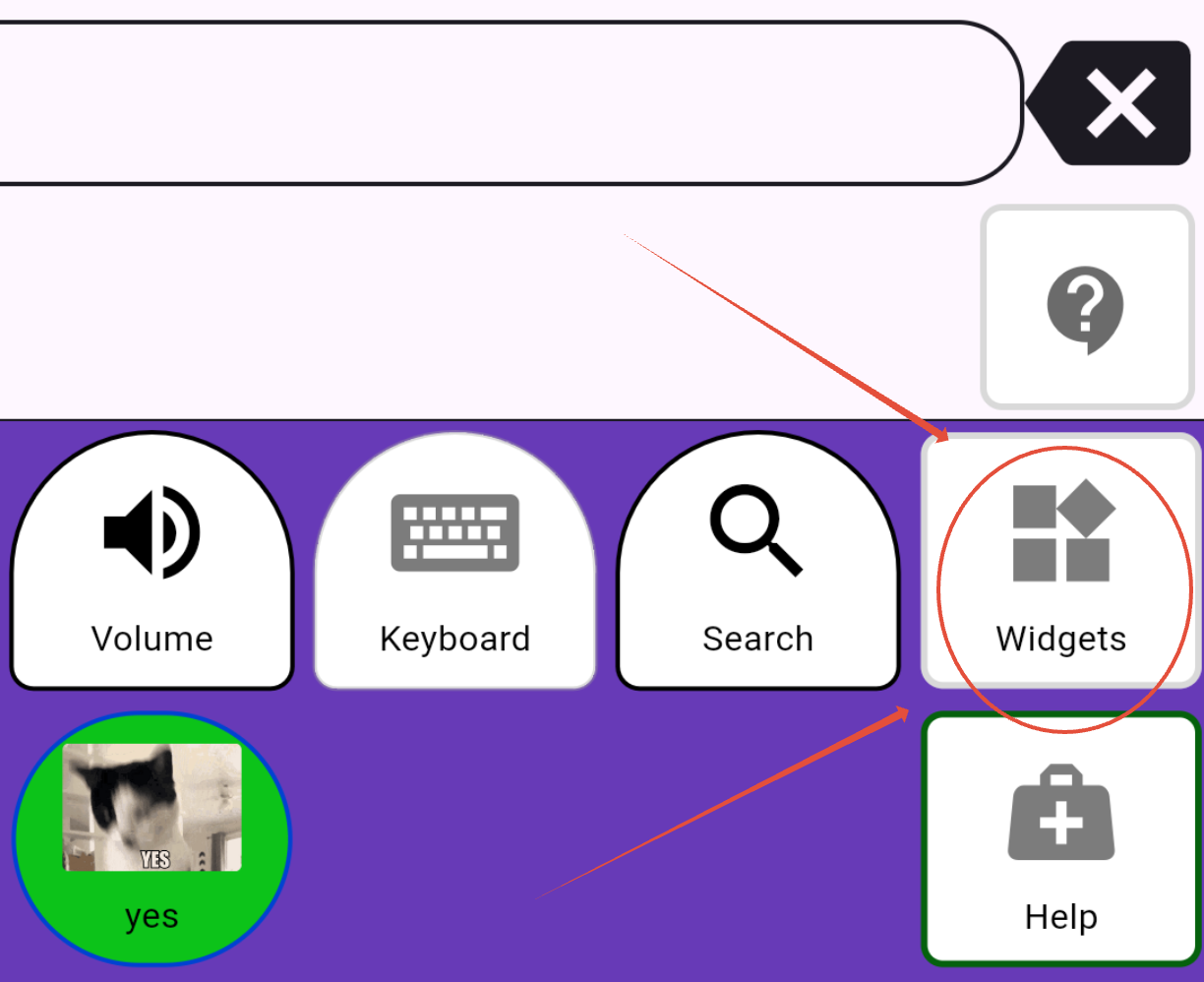
Most of these are located in the Widgets folder unless specified.
- Current Date
- Current Time
- First / Then board
- Freeze Page
- Hold on
- Keyboard
- Search
- Visual Schedule
- Volume
- PIN Practice board
- Scripts
See also Calendar Widget.
| Icon | Description |
|---|---|
 | Current DateThis widget speaks the current date, including the weekday and year. |
 | Current TimeThis widget speaks the current time. |
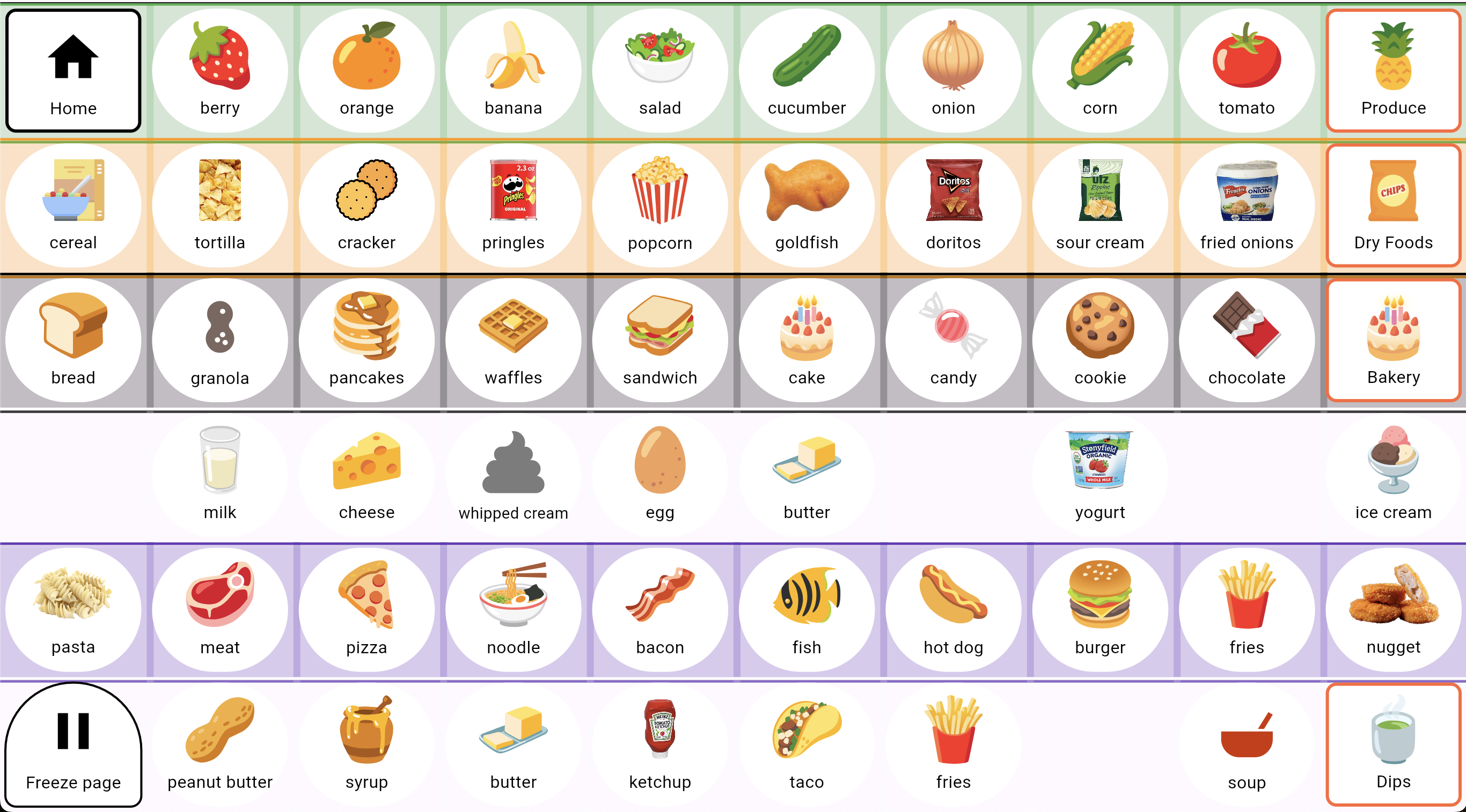
 | First / Then boardFirst Then boards are helpful in communicating consequences or cause-n-effect. In this example, you have to take your meds, then you can get get access to your dog. You can use the same vocabulary and visuals your QVoicer has access to. The plus button can also add more to the First/Then board. 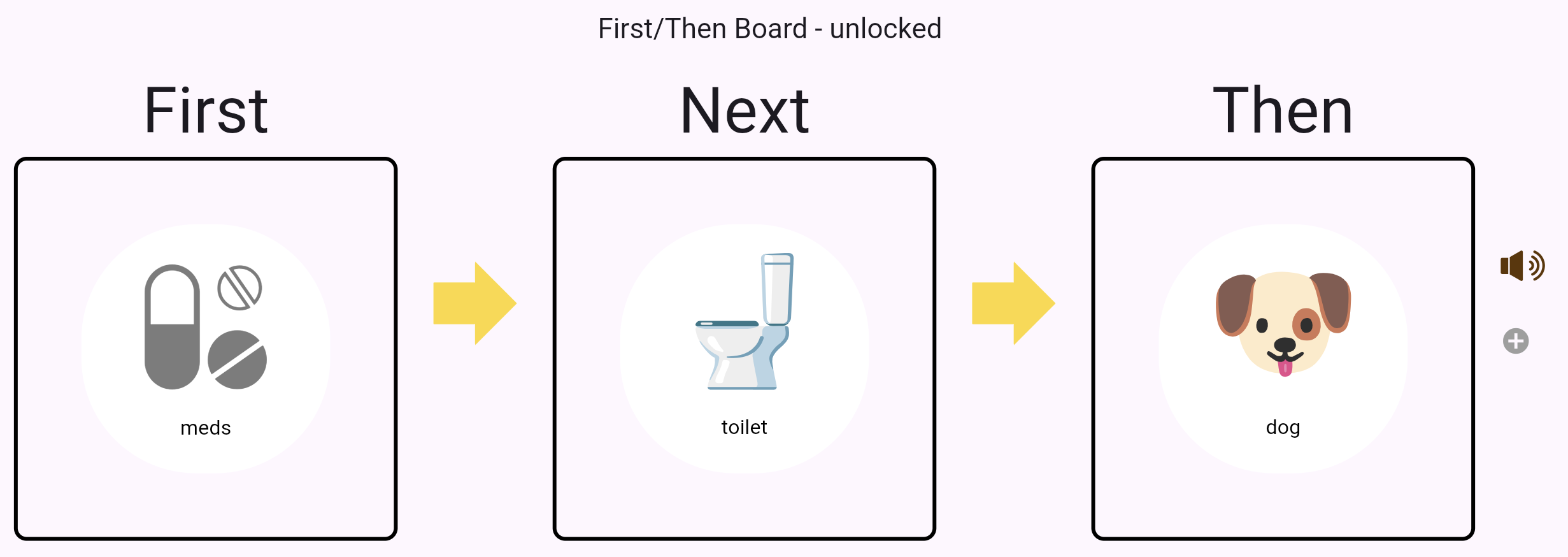 |
 | Freeze PageThis widget disables the "Auto-Home" feature and lets the user stay on this page, even after tapping on the button or sentence bar.
|
 | Hold onThis button bypasses the Sentence Bar and speaks immediately. It should be used for emergency phrases like "I am about to have a seizure".We've also modified this widget for the Words of Affirmation folder: 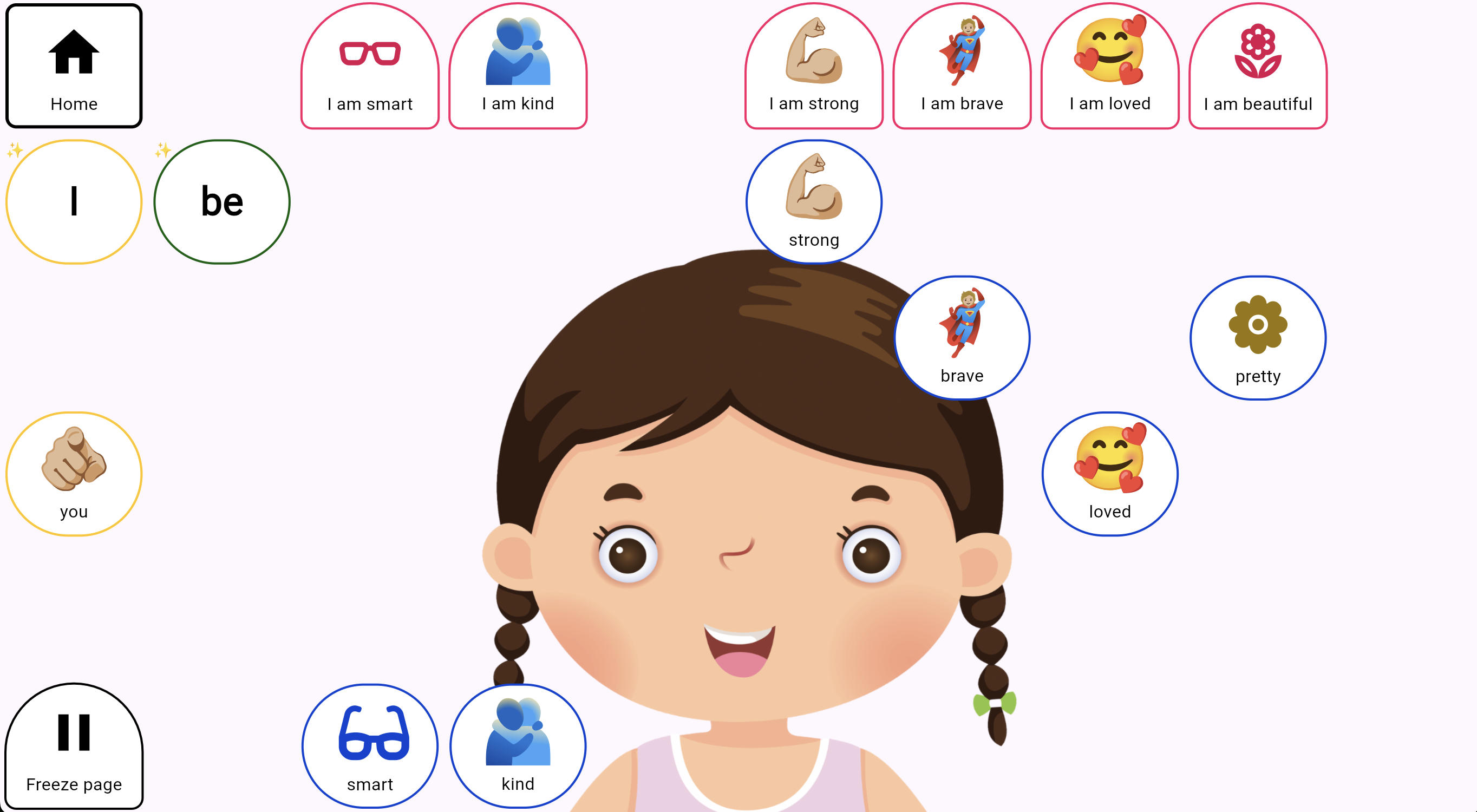 |
 | KeyboardThis brings up a textfield and the system keyboard so you can type whatever you want
|
 | Scripts / Jokes / PledgesThis widget allows you to speak multiple predefined lines. In the case of the JOKEs, it forces the QVoicer to use each line in sequential order, as well as wait for the line to finish. This is a fun way to teach reciprocal interactions between peers or allow QVoicers to recite lines or passages. Click here for more details on how to create Scripts.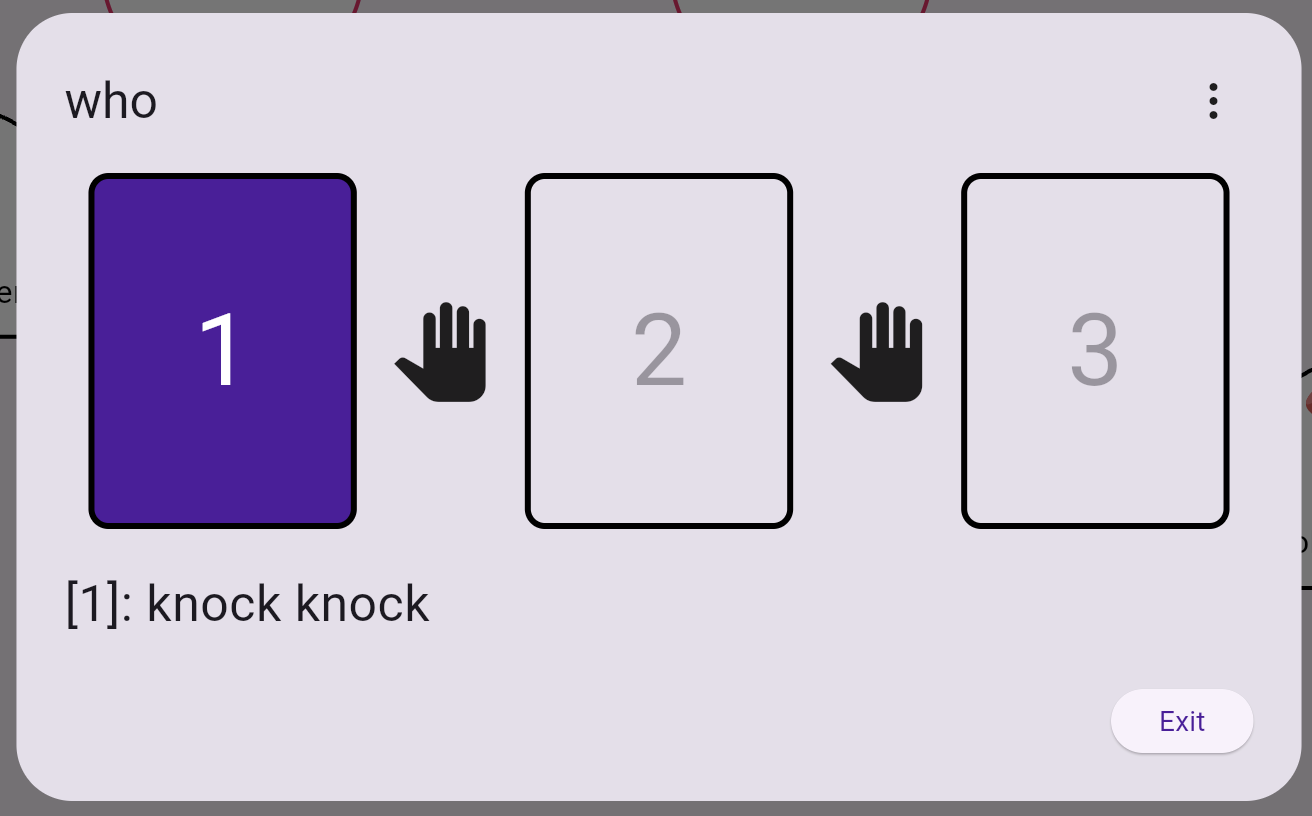 |
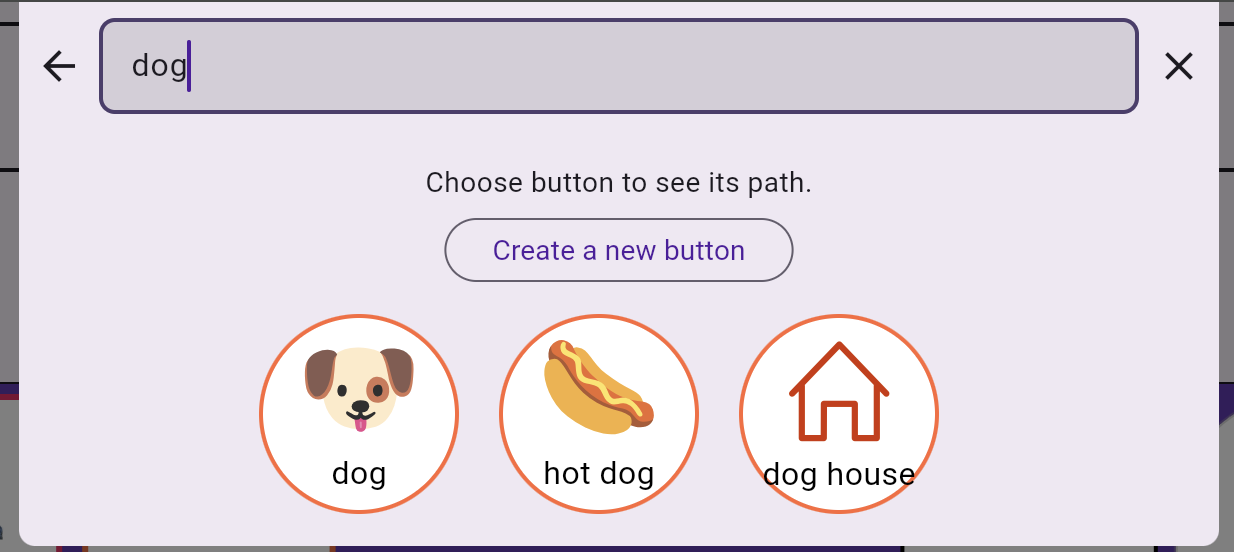
 | SearchThis searches as you type and allows you to create new button if it doesn't exist in the system.
|
 | Visual ScheduleVisual schedule are helpful in communicating what is coming next, while using the same vocabulary and visuals your QVoicer has access to. 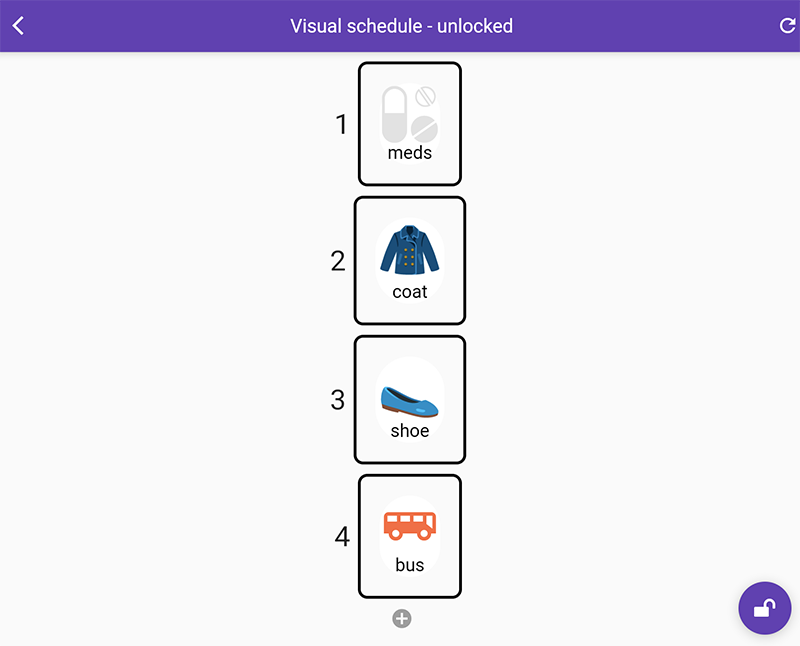 |
 | VolumeThis is only available on devices (not web). Since the Volume buttons are difficult to access for some of our QVoicers (i.e. Quinn), we created a friendlier way to access the volume controls via her AAC grid. |
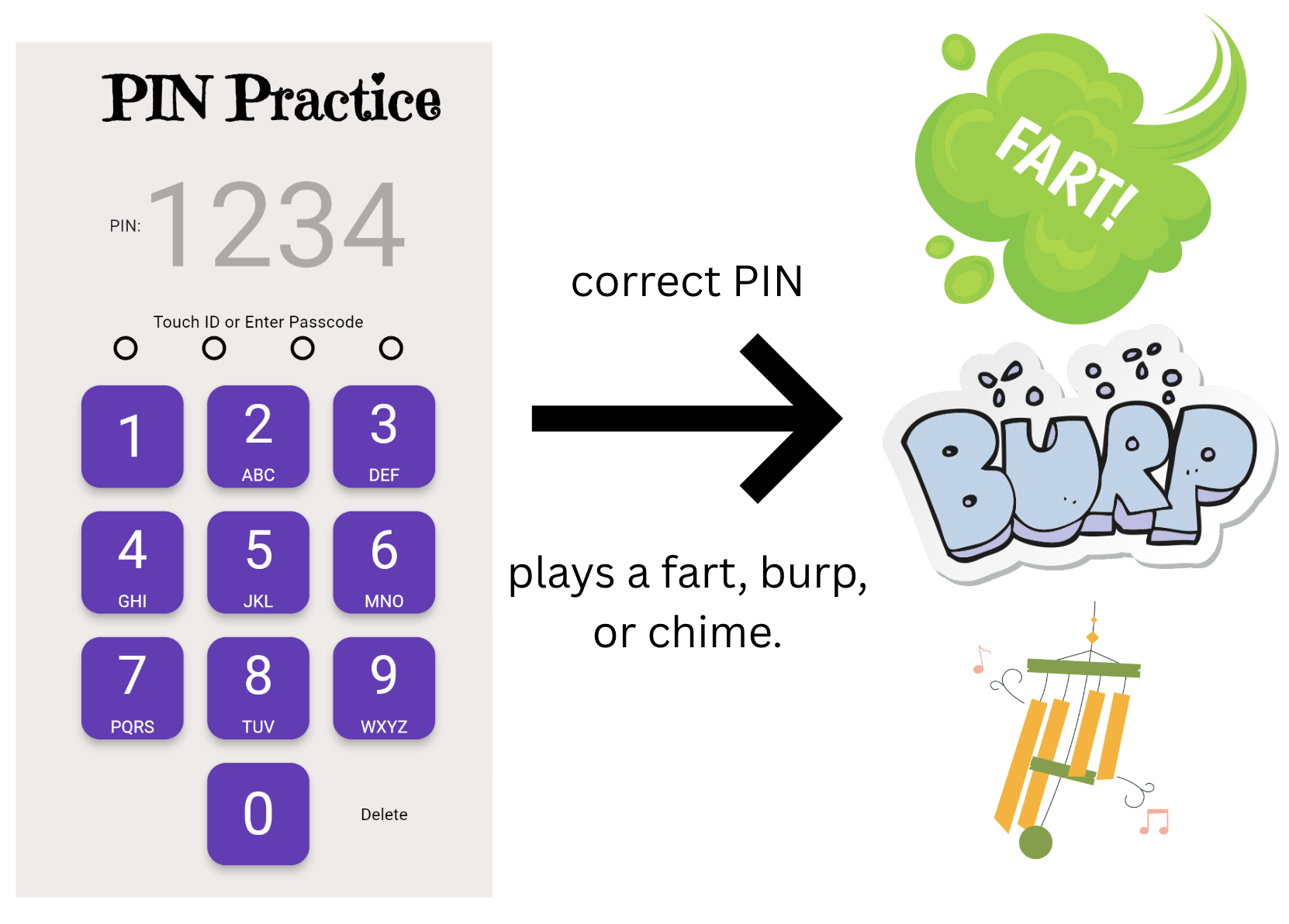
 | PIN Practice WidgetThis allows QVoicers to practice number recognition and sequencing, similar to what you would use to unlock a phone. PIN practice has many practical uses like making a phone call, working a microwave, or enter a PIN number.
After each successful PIN, we will play a fart, burp, or chime ... because that's our humor these days. |

Was this article helpful?
That’s Great!
Thank you for your feedback
Sorry! We couldn't be helpful
Thank you for your feedback
Feedback sent
We appreciate your effort and will try to fix the article