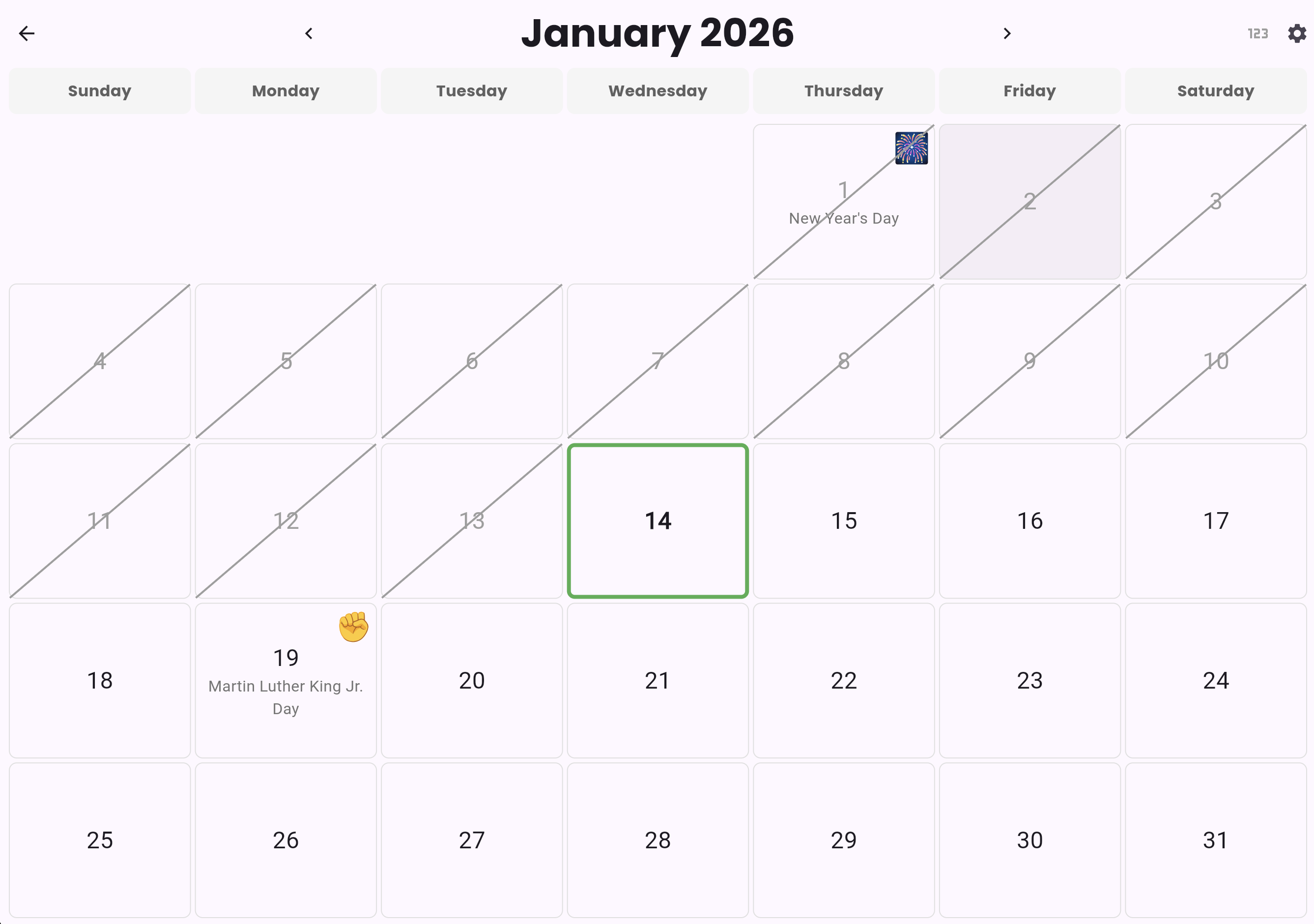
 The calendar is an educational tool designed to help children understand the concept of time, months, and counting days. It provides an interactive, fullscreen month view where tapping elements speaks their names aloud, supporting both learning and AAC communication goals.
Understanding time and calendars is an important developmental milestone for young children. This widget will:
- Help children learn to count days (1-31)
- Teach month names through interactive audio feedback
- Visualize the passage of time by navigating between months
- Highlight Special Days (configurable holidays and custom events like birthdays) to make the calendar personally meaningful
- Allows navigation forward/backward through months
- Has a "Counting Mode" to practice counting by crossing off days in sequence
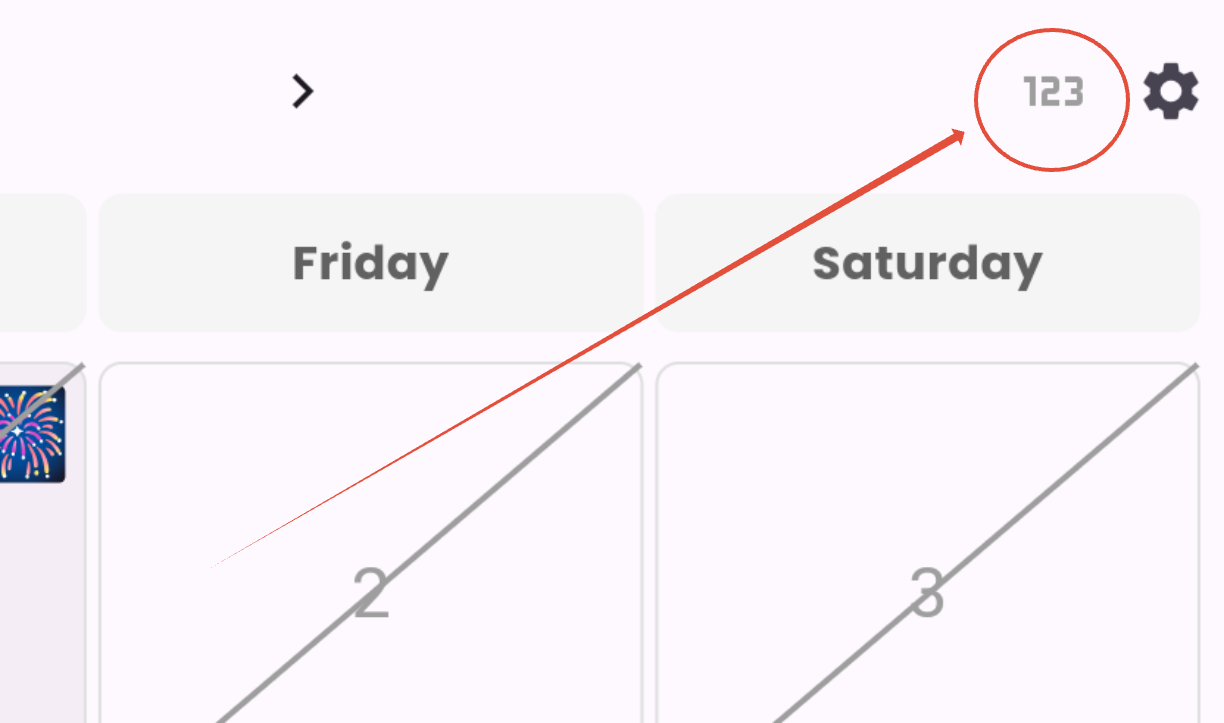
Counting Mode
This mode is initiated by tapping on the icon on the top right corner of the screen.
In counting mode, the user taps days in order (1, 2, 3...) to cross them off with a green strikethrough.
Each tap speaks the number out loud (e.g., "one", "two", "three").
We added a Sequential counting enforcement: Only the next day in sequence gets crossed off and spoken
- Example: If days 1 and 2 are crossed off, tapping day 5 will do nothing (no speech, no marking)
- The user must tap day 3 next to continue the sequence
- When the correct next day is tapped, it speaks the number (e.g., "three") and gets marked
This teaches counting in order by providing feedback only for correct sequential taps
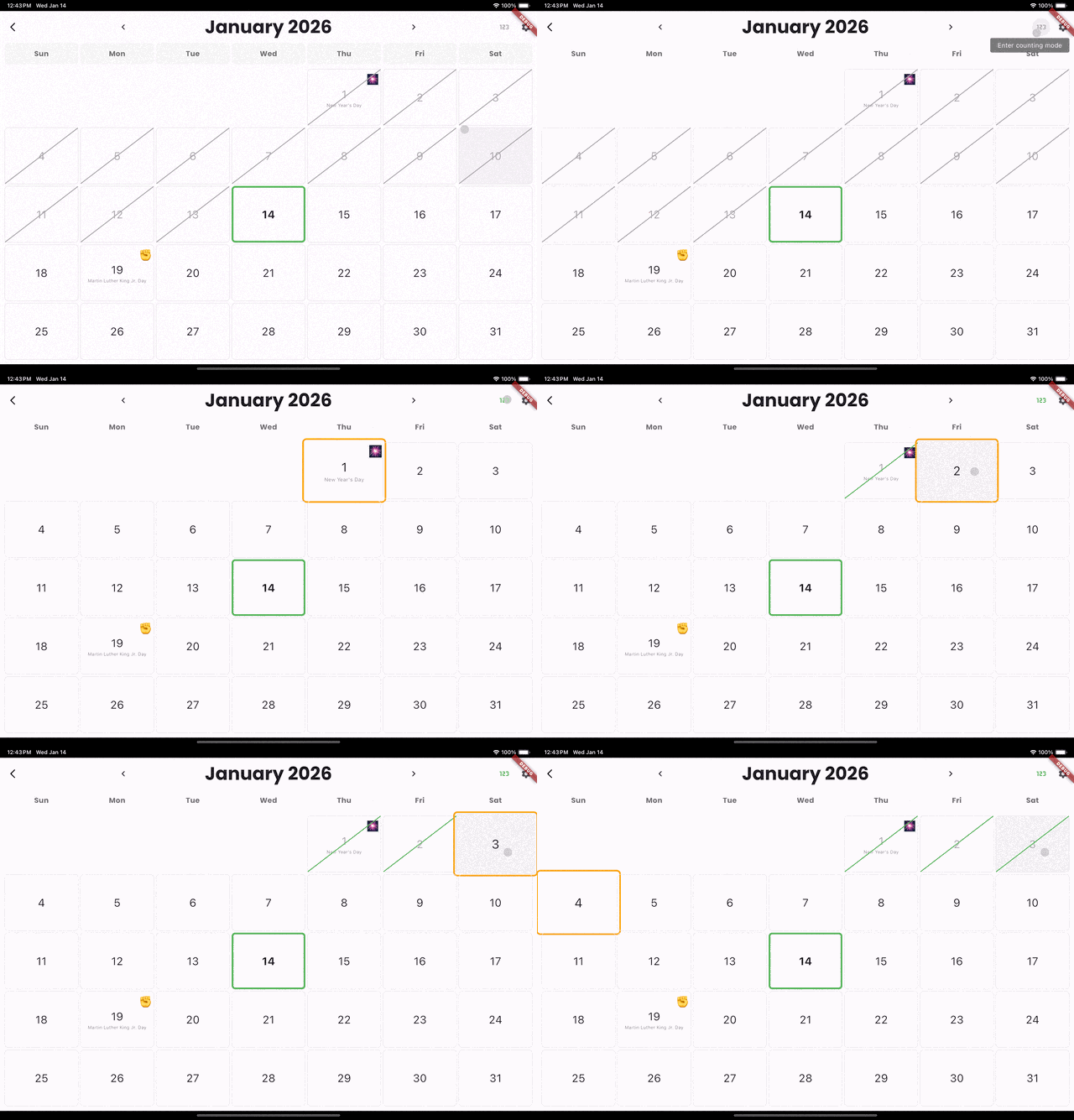
- Days are crossed off with a green diagonal strikethrough as you count them
- This teaches counting and the concept of days passing
- Tapping the last marked day will unmark it (undo) and speak the number, allowing users to correct mistakes
Special Days
We took the liberty of pre-loading Special Days for you (i.e. New Year's day). This list can be edited, added, or removed altogether in the Settings.
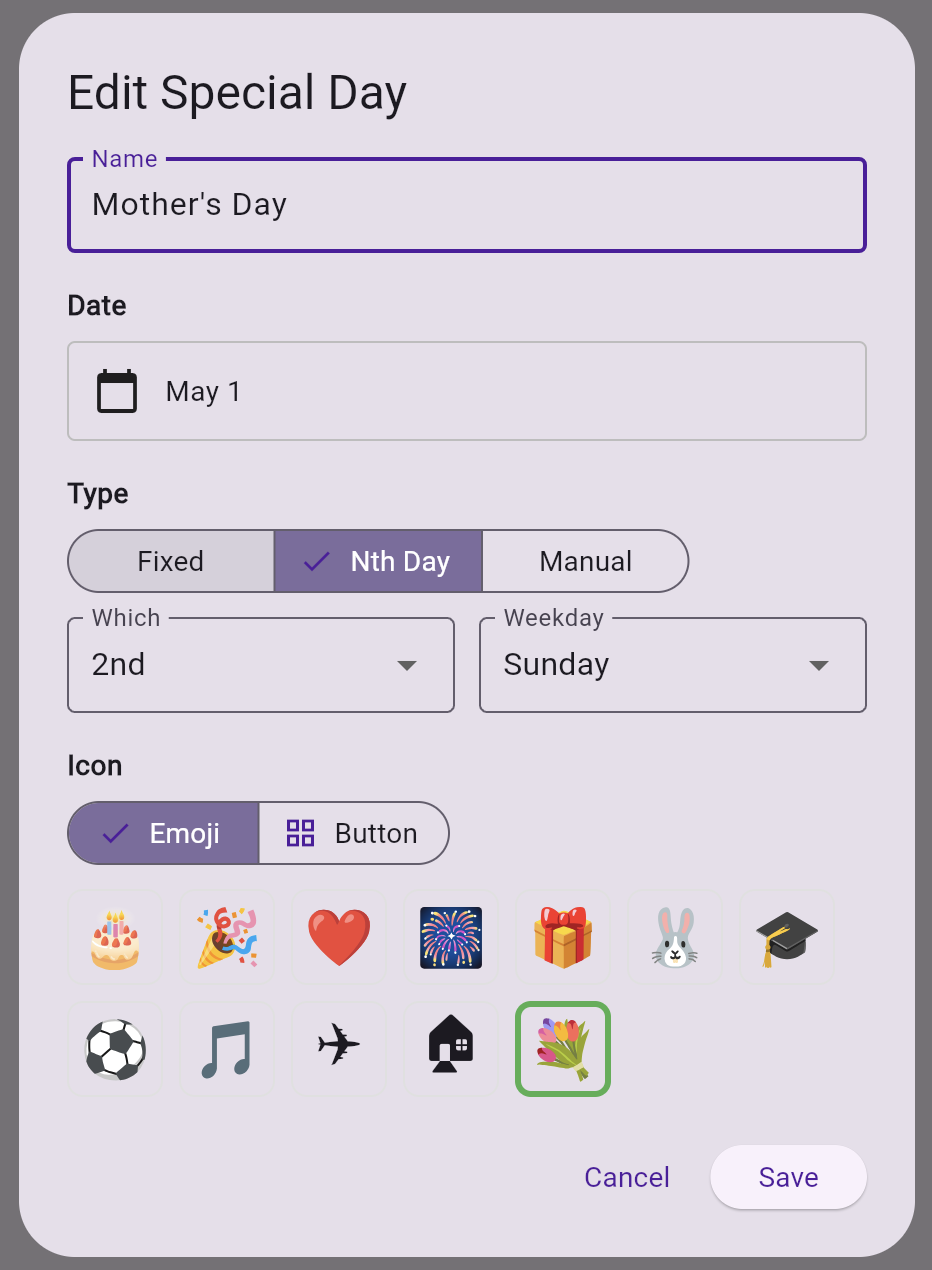
Built-in holidays include both fixed-date holidays (like Christmas) and nth-weekday holidays (like Thanksgiving's 4th Thursday of November) that are automatically calculated for each year. There are manual holidays, too, for the Easter or Lunar New Year that needs to be updated manually each year.
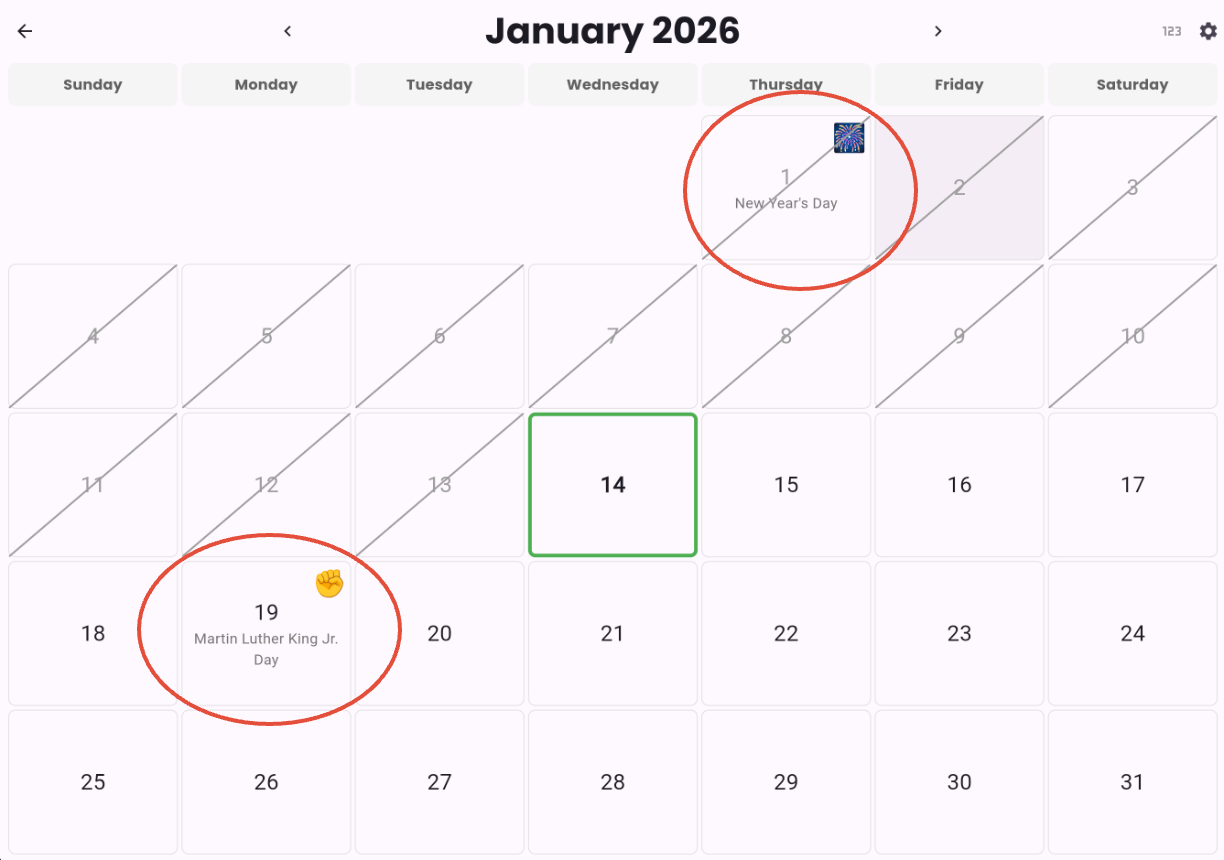
Special days can be added directly from the Calendar grid by tapping and holding on the day. This tap-n-hold can be disabled in the Settings if it's too distracting for the user.
For now, there can only be 1 special day per day. In the future, we hope to grow this Calendar Widget to be a full-fledge calendar with Google Calendar integrations for the AAC user. As for now, since we are just teaching the concept of Calendar, it will remain as a simple.
Calendar Widget Settings
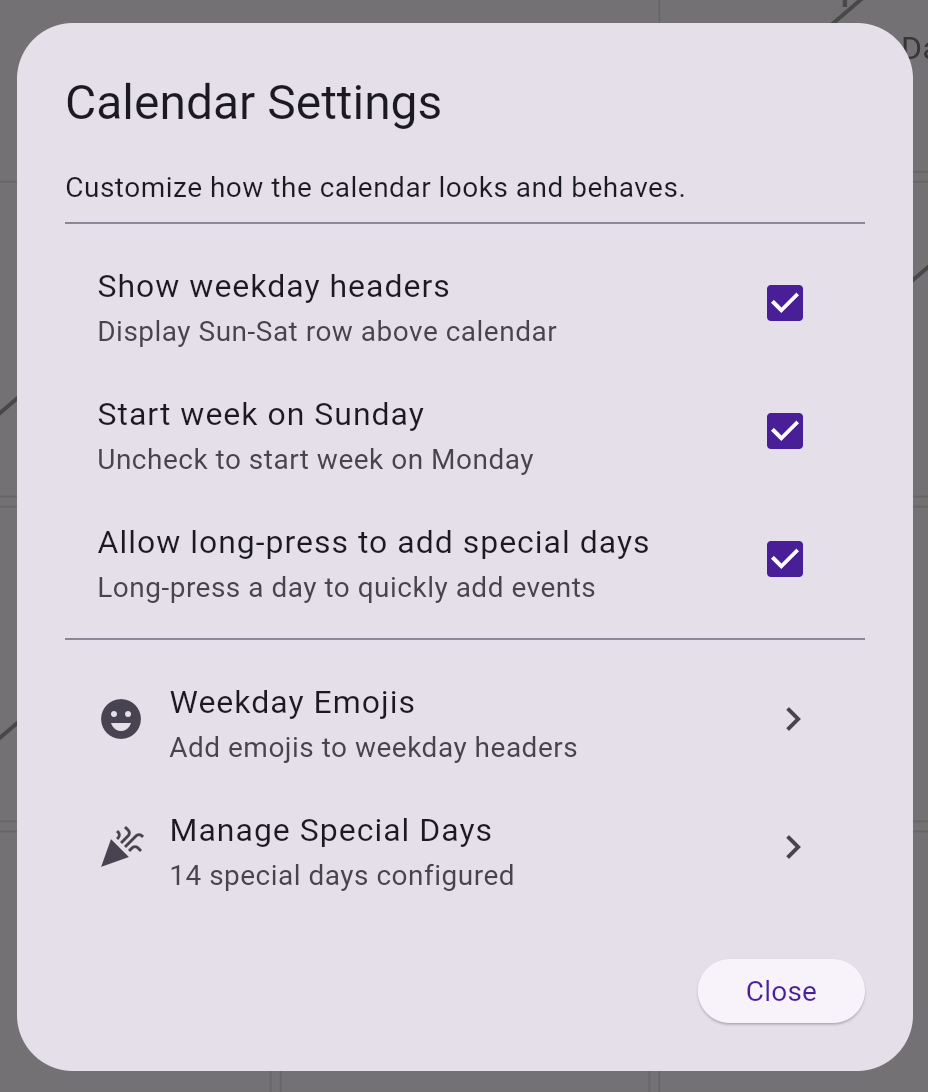
| Setting | Description |
|---|---|
| Show weekday headers | - When enabled, shows Sun-Sat row above the calendar grid - Default: On - Turning off provides a cleaner, number-focused view for counting practice
|
| Start week on Sunday | - When enabled, calendar starts with Sunday as the first day - When disabled, calendar starts with Monday as the first day - Default: Sunday - Affects both weekday header row and day grid layout |
| Allow long-press to add special days | - When enabled, long-pressing a day opens the add special day dialog - Default: On - Provides quick access to add events without navigating to setting. |
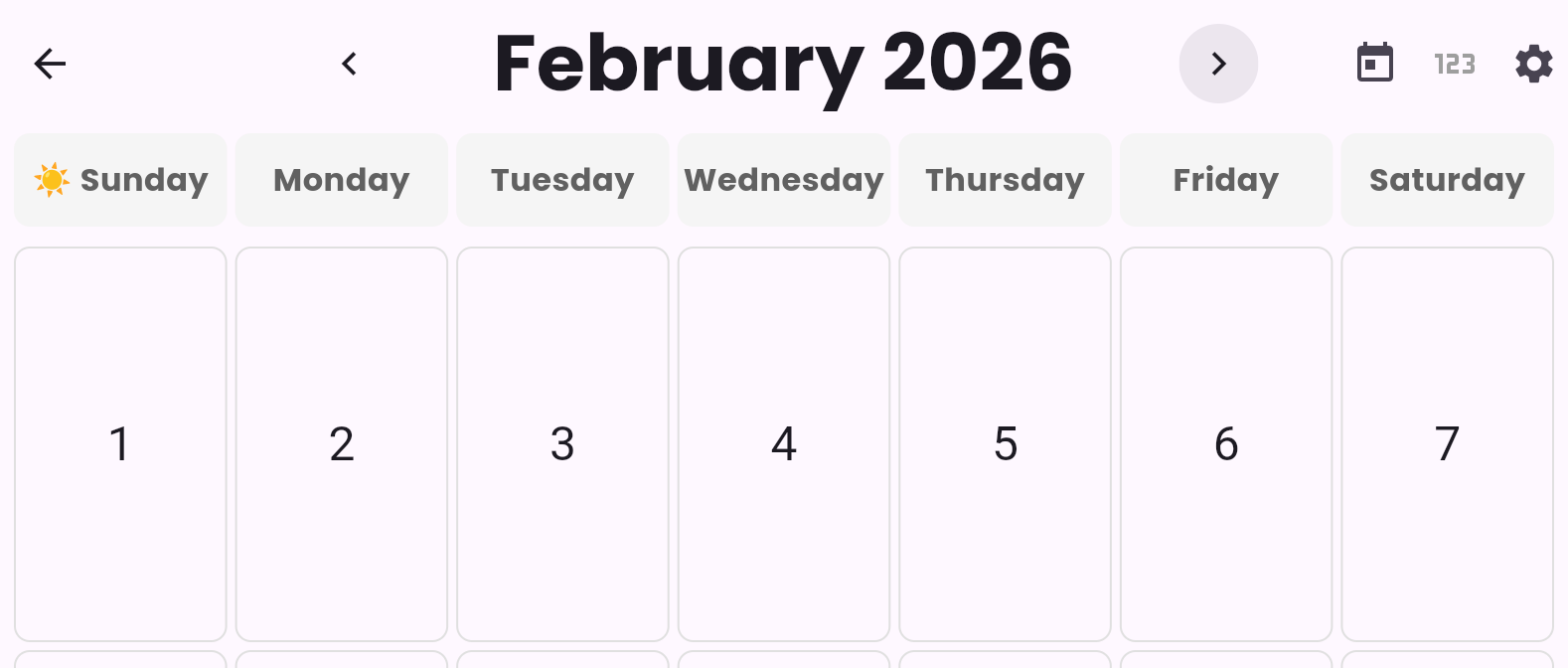
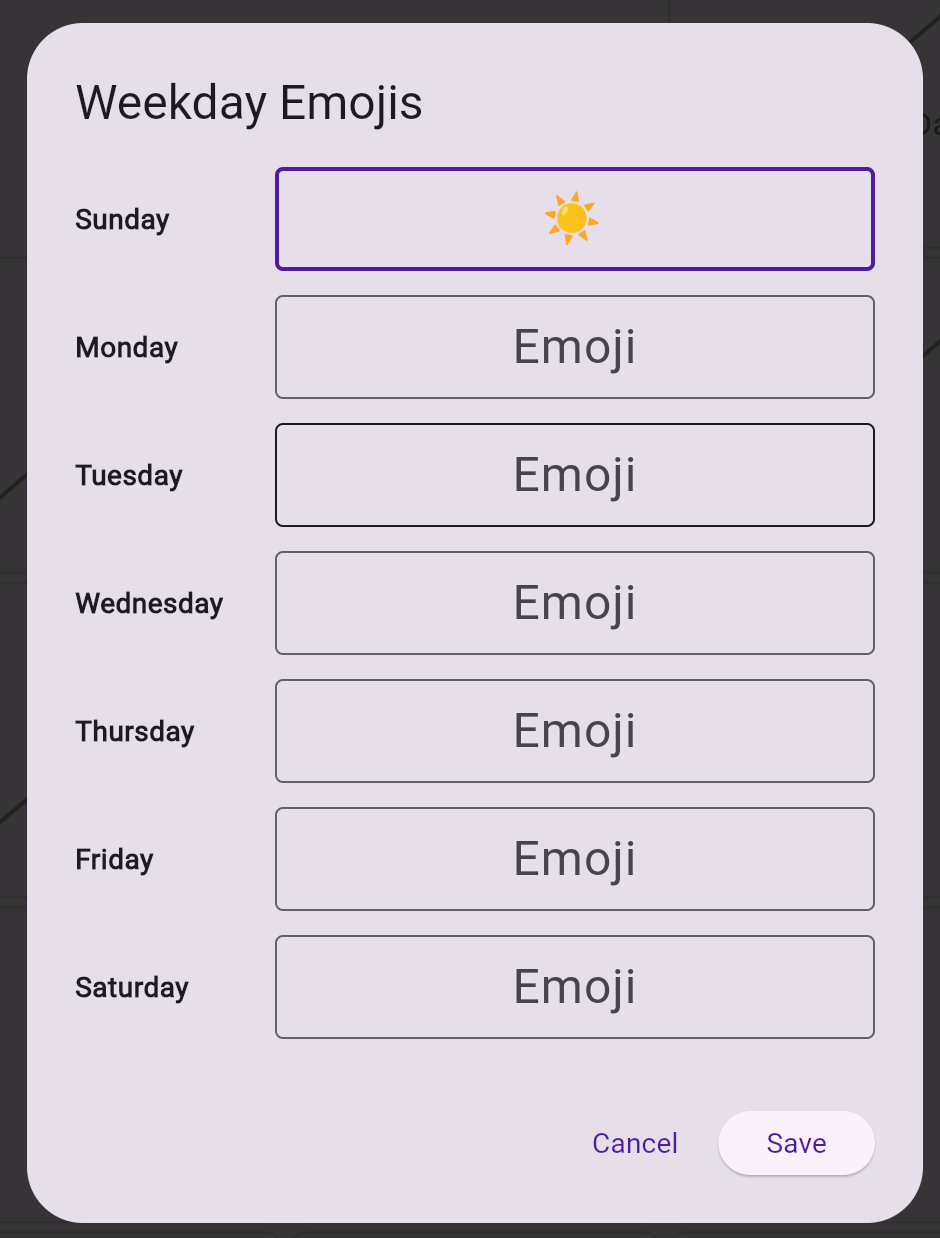
| Weekday Emojis | - Opens a dialog to configure emojis for each weekday - Users can leave fields empty to not show emojis for specific weekdays
|
| Manage Special Days | - Opens a page to add/remove custom special days - Shows list of built-in holidays (removable and editable) - Add button to create custom special days (birthdays, etc.)
|
See also How to download a new Widget
Was this article helpful?
That’s Great!
Thank you for your feedback
Sorry! We couldn't be helpful
Thank you for your feedback
Feedback sent
We appreciate your effort and will try to fix the article